

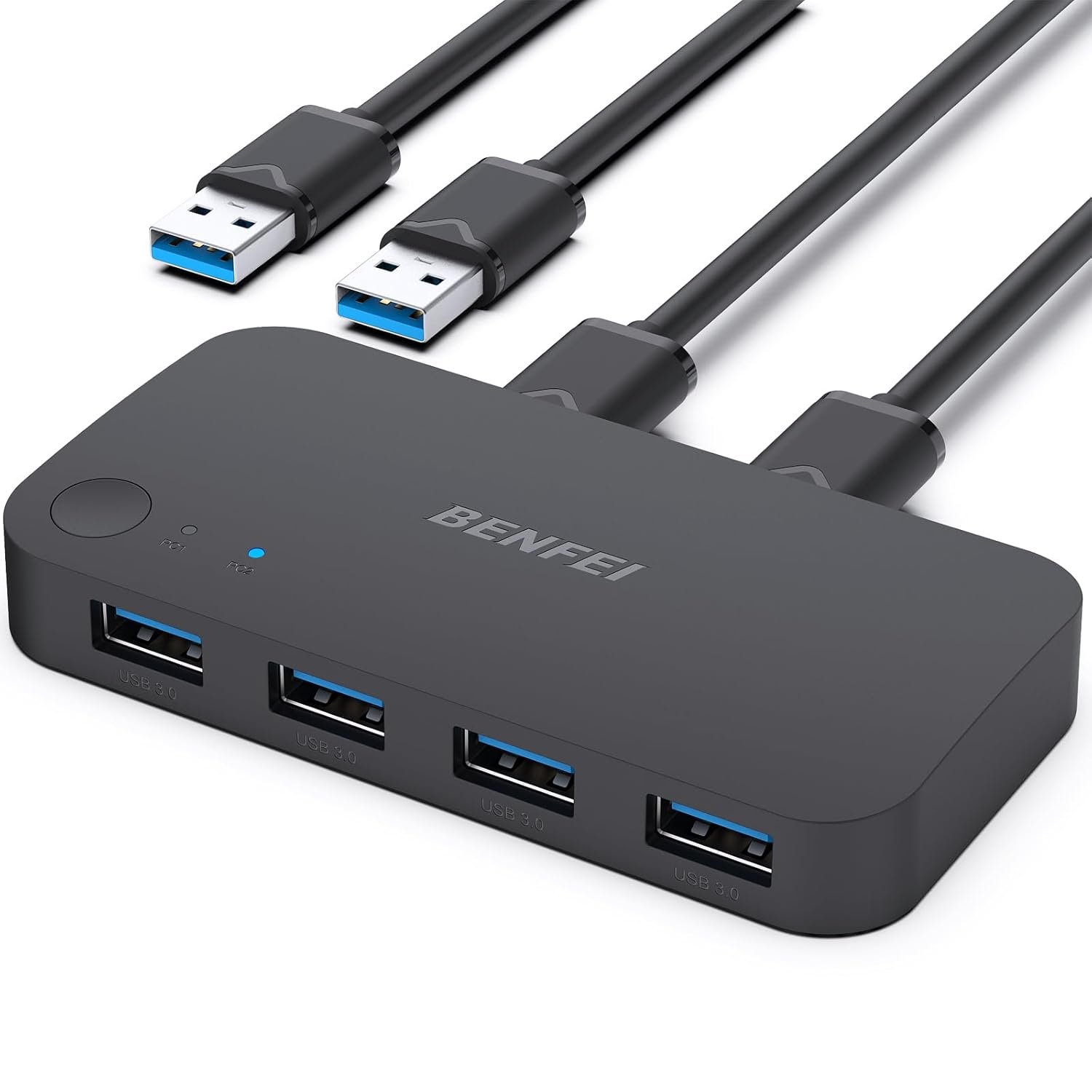
BENFEI USB 3.0 Switch, USB Switch 2 Computers Share 4 USB for PC, Mouse, Keyboard, Printer, Scanner, USB KVM Switch Selector Compatible with Windows, Mac, Linux
Product description


More BENFEI Switchers for You
Add to Cart
Add to Cart
Add to Cart
Add to Cart
Add to Cart
Customer Reviews
4.4 out of 5 stars 2,021
4.4 out of 5 stars 8,147
4.2 out of 5 stars 1,521
4.2 out of 5 stars 763
4.1 out of 5 stars 544
Price
$14.99$14.99
$9.99$9.99
$15.29$15.29
$17.99$17.99
$23.39$23.39
Type
2*USB In 4*USB Out
HDMI 2 in 1 Out or 1 in 2 Out
4*HDMI In 1*HDMI Out
2*USB In 4*USB Out
2*USB&HDMIIn 4*USB&1*HDMI Out
Input Port
2*USB A
2*HDMI or 1 HDMI
4*HDMI
2*USB A
2*USB A & 2*HDMI
Output Port
4*USB A
1*HDMI or 1 HDMI
1*HDMI
3*USB A & 1*USB C
4*USB A & 1*HDMI
USB Version
USB 3.0
/
/
USB 3.0
USB 3.0
Video Output
/
4K@60Hz
4K@60Hz
/
8K@60Hz
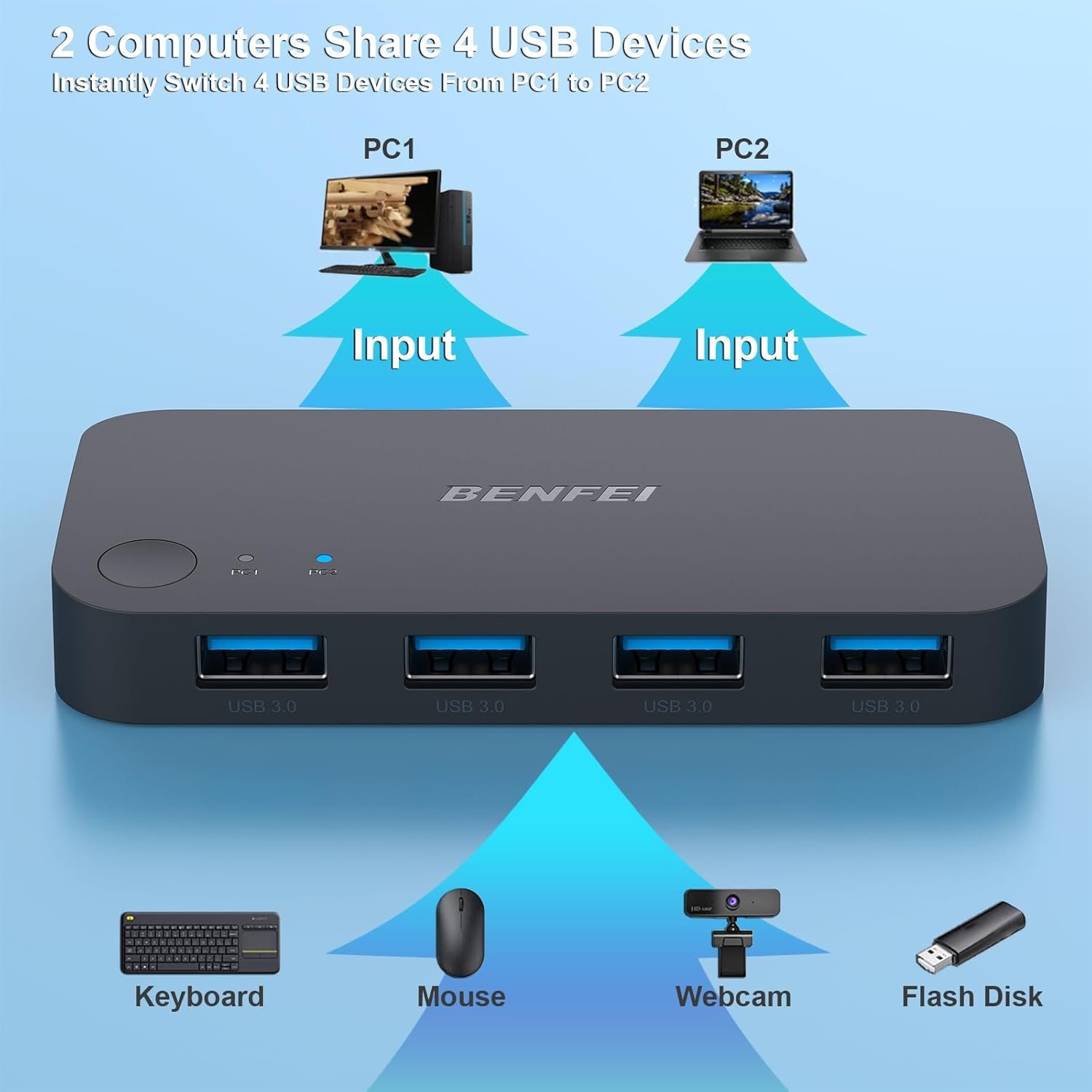
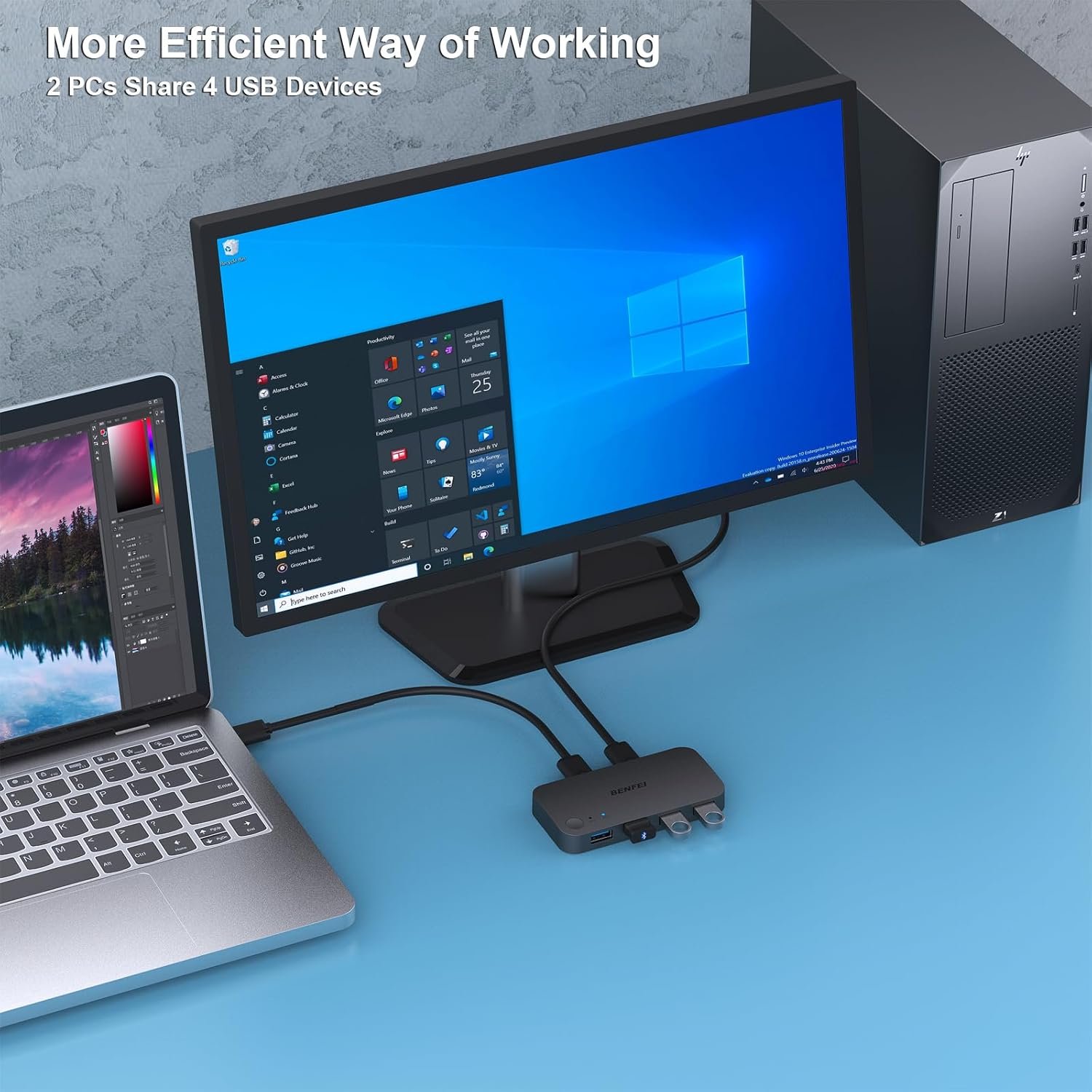
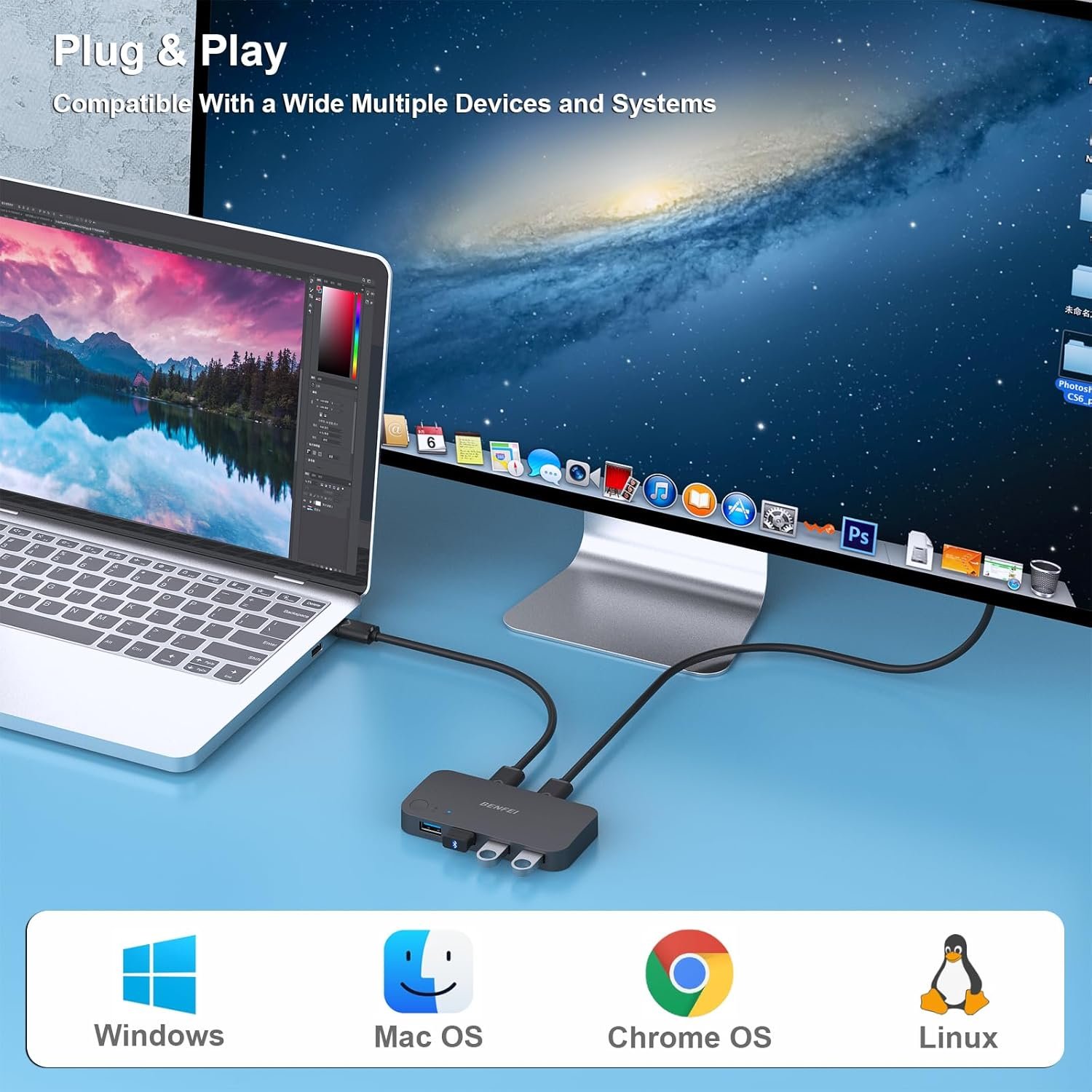
Share Multiple USB Devices between 2 Computer : The BENFEI 2 in 4 out USB 3.0 kvm switch supports 2 computers share 4 USB devices like keyboards, mouses, U disk, printers, scanners, USB cameras, headphones, etc. It’s convenient for you to switch freely between your work computer and personal computer, driver free and compatible with multiple OS, such as windows 7/10/8/8.1/7/Vista/XP and Mac OS, Linux, and Chrome OS.
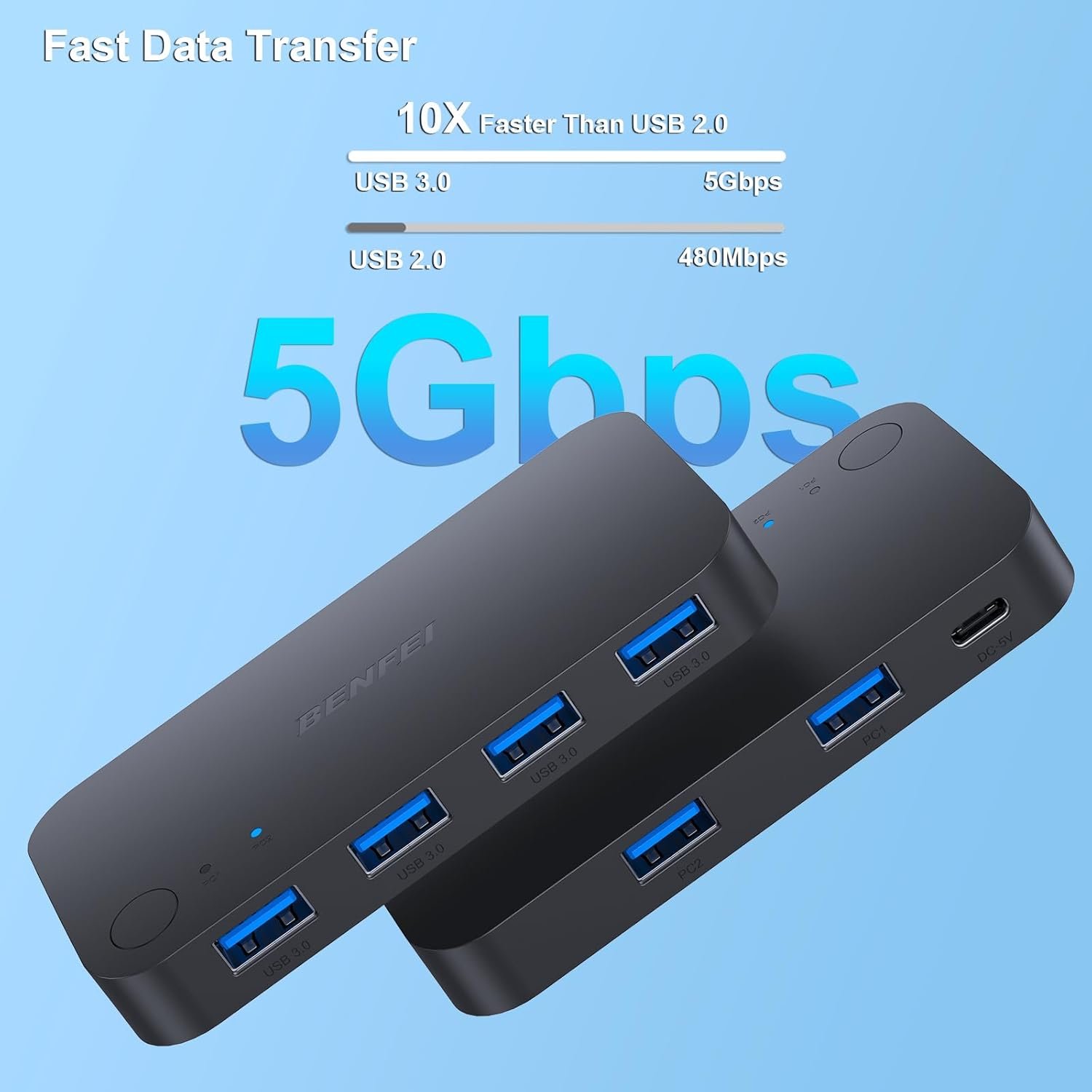
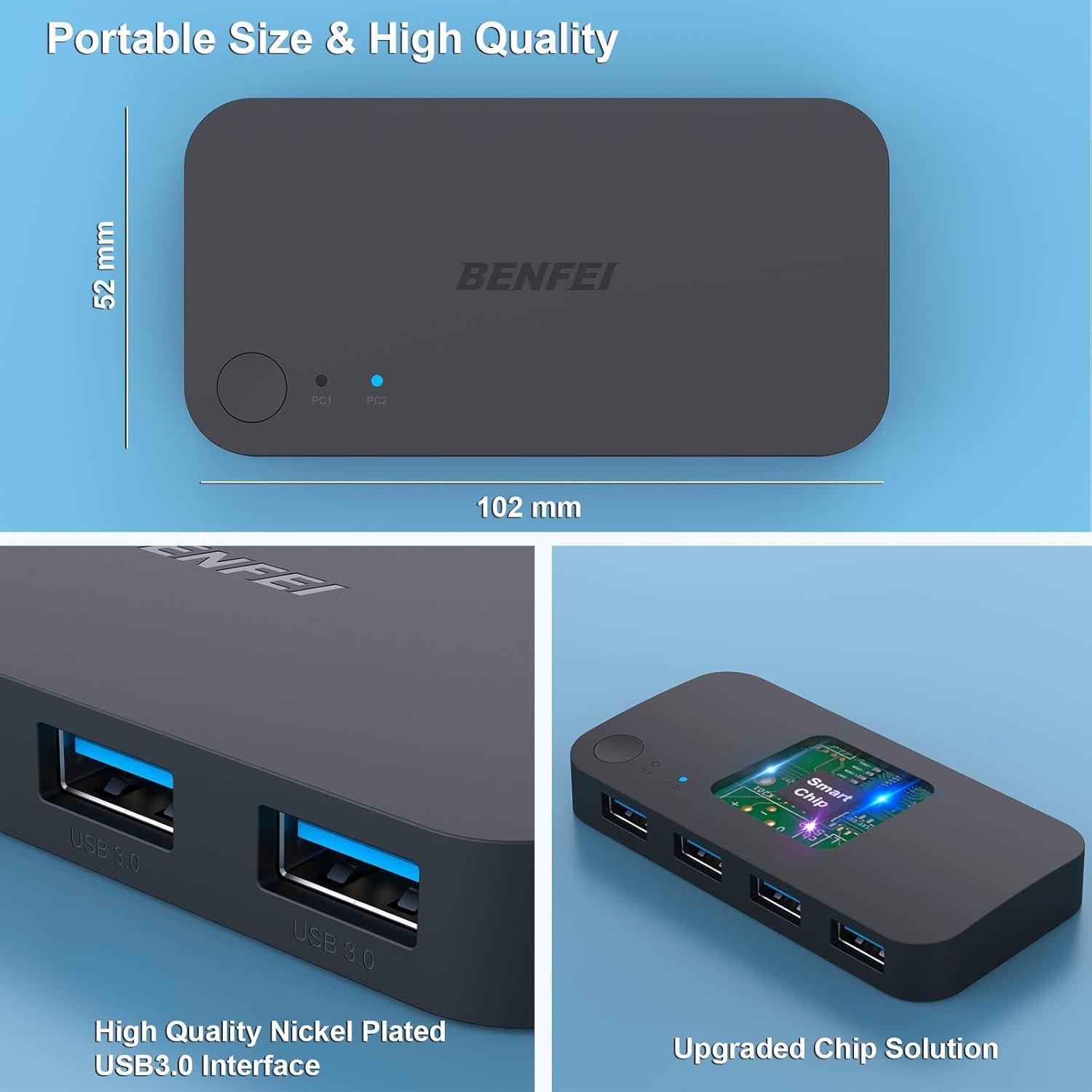
Transfer Files in Seconds: With the 4x USB 3.0 ports, BENFEI USB Switcher supports up to 5Gbps data transfer speed. You can easily transfer data from U disk, mobile hard disk to computer. It’s backward compatible with USB 2.0, too.
Switch Easily: With the USB switcher button and LED indicator design, you can freely switch multiple USB devices between two computers with one click and clearly know the working status. Please note: When connected, it could work only when using the BENFEI USB A to USB A cable.
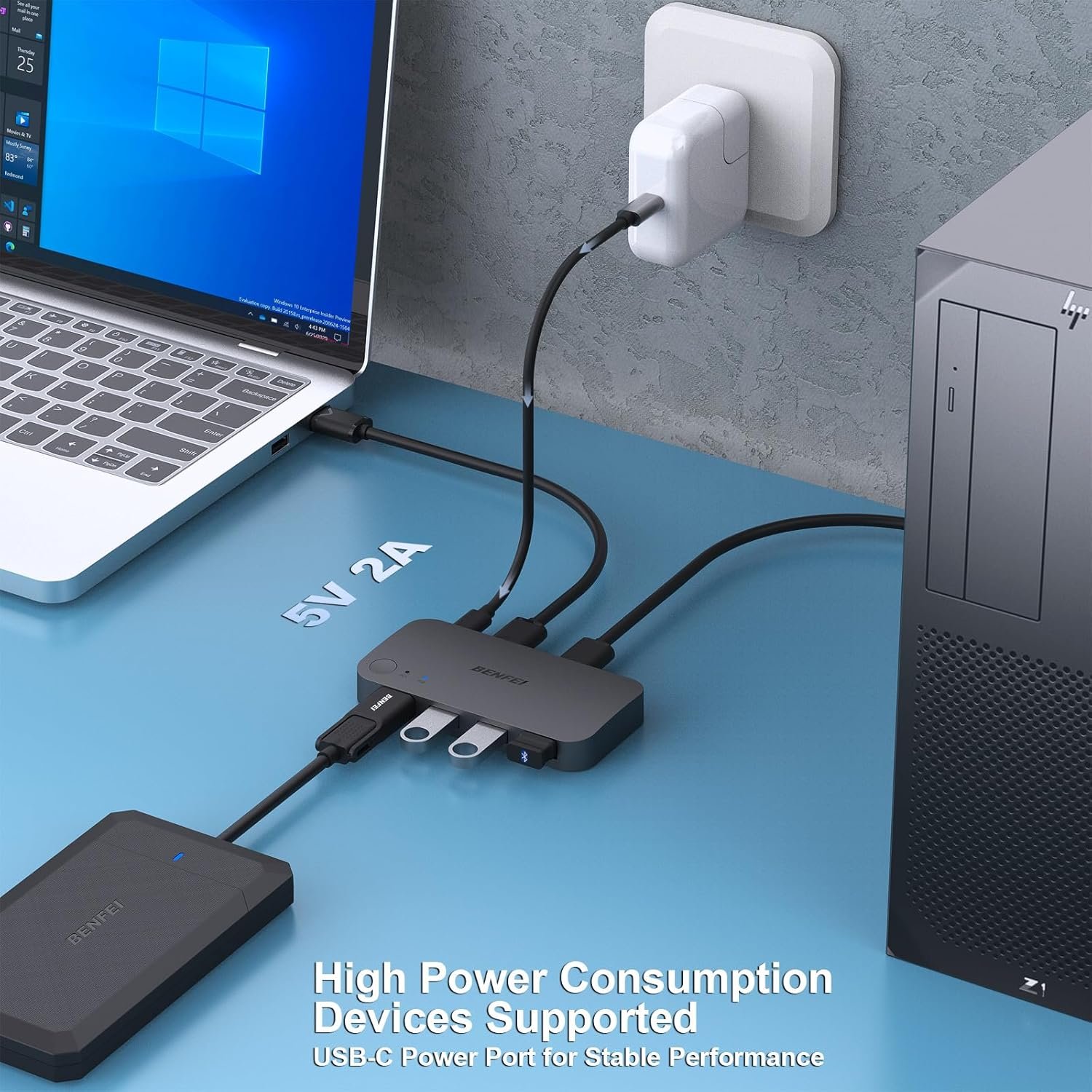
Multiple USB Devices Support: BENFEI USB Switch provides an extra USB C(5V 3A) power supply slot. If you use some high power consumption devices such as HDD, USB cameras, headphones, etc, please connect extra power for stable performance. (The USB A-USB Charging cable is included, but the power adapter is not)
18 MONTH WARRANTY : Exclusive BENFEI Unconditional 18-month Warranty ensures long-time satisfaction of your purchase; Friendly and easy-to-reach customer service to solve your problems timely
Original price was: $16.99.$14.99Current price is: $14.99.
Product description
More BENFEI Switchers for You
Add to Cart
Add to Cart
Add to Cart
Add to Cart
Add to Cart
Customer Reviews
4.4 out of 5 stars 2,021
4.4 out of 5 stars 8,147
4.2 out of 5 stars 1,521
4.2 out of 5 stars 763
4.1 out of 5 stars 544
Price
$14.99$14.99
$9.99$9.99
$15.29$15.29
$17.99$17.99
$23.39$23.39
Type
2*USB In 4*USB Out
HDMI 2 in 1 Out or 1 in 2 Out
4*HDMI In 1*HDMI Out
2*USB In 4*USB Out
2*USB&HDMIIn 4*USB&1*HDMI Out
Input Port
2*USB A
2*HDMI or 1 HDMI
4*HDMI
2*USB A
2*USB A & 2*HDMI
Output Port
4*USB A
1*HDMI or 1 HDMI
1*HDMI
3*USB A & 1*USB C
4*USB A & 1*HDMI
USB Version
USB 3.0
/
/
USB 3.0
USB 3.0
Video Output
/
4K@60Hz
4K@60Hz
/
8K@60Hz
Share Multiple USB Devices between 2 Computer : The BENFEI 2 in 4 out USB 3.0 kvm switch supports 2 computers share 4 USB devices like keyboards, mouses, U disk, printers, scanners, USB cameras, headphones, etc. It’s convenient for you to switch freely between your work computer and personal computer, driver free and compatible with multiple OS, such as windows 7/10/8/8.1/7/Vista/XP and Mac OS, Linux, and Chrome OS.
Transfer Files in Seconds: With the 4x USB 3.0 ports, BENFEI USB Switcher supports up to 5Gbps data transfer speed. You can easily transfer data from U disk, mobile hard disk to computer. It’s backward compatible with USB 2.0, too.
Switch Easily: With the USB switcher button and LED indicator design, you can freely switch multiple USB devices between two computers with one click and clearly know the working status. Please note: When connected, it could work only when using the BENFEI USB A to USB A cable.
Multiple USB Devices Support: BENFEI USB Switch provides an extra USB C(5V 3A) power supply slot. If you use some high power consumption devices such as HDD, USB cameras, headphones, etc, please connect extra power for stable performance. (The USB A-USB Charging cable is included, but the power adapter is not)
18 MONTH WARRANTY : Exclusive BENFEI Unconditional 18-month Warranty ensures long-time satisfaction of your purchase; Friendly and easy-to-reach customer service to solve your problems timely
Specification: BENFEI USB 3.0 Switch, USB Switch 2 Computers Share 4 USB for PC, Mouse, Keyboard, Printer, Scanner, USB KVM Switch Selector Compatible with Windows, Mac, Linux
|
11 reviews for BENFEI USB 3.0 Switch, USB Switch 2 Computers Share 4 USB for PC, Mouse, Keyboard, Printer, Scanner, USB KVM Switch Selector Compatible with Windows, Mac, Linux
Add a review
Related Products




Original price was: $16.99.$14.99Current price is: $14.99.

Everyday Reviews –
Effortlessly Shares Key Peripherals, But Mind the Power Needs
Effortlessly Shares Key Peripherals, But Mind the Power NeedsSetting up this BENFEI USB switch was a breeze. I needed a way to share my keyboard, mouse, and a flash drive between my personal desktop and my work laptop, and this little unit has solved that problem perfectly. The plug-and-play setup worked instantly on both my Windows 10 PC and my MacBook—no drivers to hunt down, which is always a major plus. The physical switch button is responsive, and the LED lights make it crystal clear which computer is currently active. Switching between them is nearly instantaneous for standard input devices, keeping my workflow smooth.I really like the build quality; it feels sturdy and not cheaply made. The included cables are a nice touch and have proven to be reliable. For my core use case of sharing a keyboard and mouse, this device performs flawlessly and has completely eliminated the need to constantly plug and unplug cables from my laptop.However, it’s important to keep in mind its limitations with high-power devices. As noted in the manual, the unit includes a micro-USB power port for a reason. When I tried to connect a bus-powered external hard drive, it was not recognized until I connected the provided power cable to a wall adapter. Even then, performance with power-hungry devices can be inconsistent. This isn’t a dealbreaker, but it’s a crucial consideration. This switch is ideal for low to medium-power peripherals like input devices, card readers, or webcams, but may struggle with portable hard drives without supplemental power.Bottom Line: This is a fantastic and affordable solution for anyone looking to share a keyboard, mouse, and other low-power USB devices between two computers. It’s reliable, easy to use, and works seamlessly across different operating systems. Just be sure to use the included power cable if you plan to connect anything more demanding than basic peripherals. For its intended purpose, it’s a great value.
Andra Marino –
Excellent USB switch
An extremely useful add-on, if you were running to computers and having to share printers and a mouse. It is easy to switch between computers by just a press of a button. I used to have to remove the USB cords from one computer and plug them into another, which was a real pain. This completely eliminates all these extra steps.It is made out of somewhat flimsy plastic, but appears adequate because it’s not under any stress. It is somewhat difficult to find a good place to put it because their wires coming out of both ends and it tends to take up space on the desk. All in all, it’s a decent product.
Eugene Johnson –
Great USB Switch
works really well. Allowed me to use the same keyboard and mouse for two different computers. Easy to use and it came with everything you need.
Zach Musgrave –
Works fine but maybe not compatible with all devices
Cheap and works for my USB keyboard and mouse dongle to share them between 2 computers. But already found a few annoying issues.1) Older USB scanner wouldn’t work connected to the hub, needed to be connected to the PC directly2) Included USB-A to USB-C cable would not work to connect the hub to my MacBook Pro. The A-to-A cable with the included A-to-C adapter did work. Not sure if this is a hub issue, a cable issue, or both.3) Keyboard connected to the hub can no longer be used to wake my PC. Not sure if this is an issue with this hub in particular versus all hubs.Overall happy with my purchase and can deal with the annoyances, but it’s cheap for a reason.
Rob –
Great price does what it should with no hassle
I purchased this KVM to reduce monitor, keyboard foot print at my work station. It is quite small and light, the cost is super reasonable so I had my doubts, however after 3 minutes to connect it worked immediately. It even has a wired remote control switch that I love, It takes up almost no space and the device can be tucked away anywhere your cables reach. The only slight draw-back is there is about a 3 second delay when switching. I highly recommend this product to anyone on a budget and has the need.
Amazon Customer –
Works perfectly
Works perfectly. Have had no issues between switching between my desktop and laptop and no latency. I wanted to share a monitor and keyboard between my laptop and desktop. But i didnt want to use a kvm because with this Benfei switch and a monitor switch im able to swap a monitor and keyboard independently. The two usb calbes that come included are long and work well.
Luca B. –
Ho acquistato questo switch perché volevo usare le stesse periferiche su entrambi i pc (un win e un mac entrambi fissi) senza dover scollegare e ricollegare ogni volta. Dopo qualche settimana di utilizzo, ecco le mie impressioni:🔌 Setup semplice e immediato – collegare i due PC e le periferiche è stato facilissimo, plug & play e senza driver strani da installare.💻 Commutazione rapida e comoda – basta premere un pulsante per passare da un computer all’altro, con tutti i dispositivi (tastiera, mouse, monitor, hard disk esterno) che vengono riconnessi correttamente e subito.📈 Funziona bene con più periferiche – posso condividere 2 porte video più USB e tastiera/mouse tra due PC in modo molto efficiente, senza lag evidente o problemi strani.🖥️ Risparmio di spazio e cavi – la scrivania è molto più ordinata e non devo più avere doppie periferiche, il che è comodissimo se si lavora con più macchine.👌 Qualità costruttiva solida – il dispositivo è compatto, stabile e compatibile con Windows, Mac senza intoppi.➡️ Consigliato se usi più PC con le stesse attrezzature e vuoi evitare di cambiare continuamente cavi o avere tastiere e mouse duplicati sulla scrivania.Un acquisto super funzionale per chi ha configurazioni con due computer ma vuole un setup pulito e facile da gestire.
BK –
Lightweight but strong, stable plastic build. I like that the cables are long enough and still perform well. Only complaint is that the button is recessed, rather than sticking out, so it takes some getting used to, especially if you mount it under your desk like I have.Using it primarily for my audio interface, USB eLicenser and mouse and keyboard for seamless switching between my Windows PC and MacBook. Transfer speeds are acceptable when connected to external drives. TAKE NOTE: This device doesn’t send enough power for SSDs and portable HDDs to work. Those need to be directly connected to the computer – but self-powered external drives work well with relatively comparable speeds to direct connection.In all, good device, for what I paid for it, best deal out there
Ben07 –
I bought a very similar USB switch about 4 years ago. Then that switch failed the last week of November 2025. It won’t switch to the B (second computer), but everything on the first computer (A-Side) retained functionality.So I’m just reposting the picture I posted 4 years ago for the initial review. The layout and setup are the same except for the actual laptop. Originally a Dell Latitude, now it’s an HP Probook – but the connections are the same.80% of the time, the laptop is in use, while the desktop is mainly for personal stuff. I prefer this setup rather than getting the proper branded dock because the office upgrades laptops frequently, and different brands and models are provided. This is a simplistic and relatively inexpensive way to implement switching between two computers that share 4 USB peripherals. Yes, I know there are dedicated KVMs but this setup is good enough for me and is flexible enough to be able to accommodate any laptop changes or upgrades.This newer USB switch is slightly smaller than my previous switch. This also has supplemental power via USB-C while the old switcher had supplemental power provided by a micro-usb cable. In both cases, I do not need to use the 5V power since the mouse, keyboard, headset and webcam are all low-powered.Hub comes with all the necessary cables: 2 x USB A-A, 2 x USB A-C adapters, and a USB A-C power cable. I did not even need to use the new cables, it was a straightforward swap to my old set-up.My only complaint with this Benfei hub is the LED indicator. They are tiny, dim and very hard to see. Not a big deal for me but may be an issue for some people. For reference, my old switch had two x 2mm yellow LEDs; this new one has 2 blue LEDs about the size of a pin-head.Overall, this provides me with the functionality that I need without costing a lot compared to an actual branded dock and KVM.
Mark Blackwell –
This USB 3.0 switch has been a total game-changer for my home office. I use two computers for work and personal use, and being able to share my keyboard, mouse, and printer between them with just the press of a button is incredibly convenient.Setup was plug-and-play—no drivers needed, and it worked straight away on both Windows machines. The switching is instant, and I’ve had no issues with connectivity or performance. All the USB 3.0 ports deliver fast transfer speeds, perfect for external drives or scanners too.The build quality is solid, and the indicator lights make it easy to see which computer is active. It’s compact enough to sit neatly on the desk without adding clutter.If you’re running a dual PC setup and want to streamline your workspace, this is a brilliant bit of kit. Reliable, fast, and fantastic value—highly recommended.
Client Kindle –
Commutateur simple et efficace, correspond parfaitement à mes attentes.