


PC Power Button with 67″ Cable – Desktop Computer External ON/Off Switch LED Indicator, PC Power Supply Button SW Extension with Adhesive Mount, Splitter for Computer Motherboard (Black, 67″)
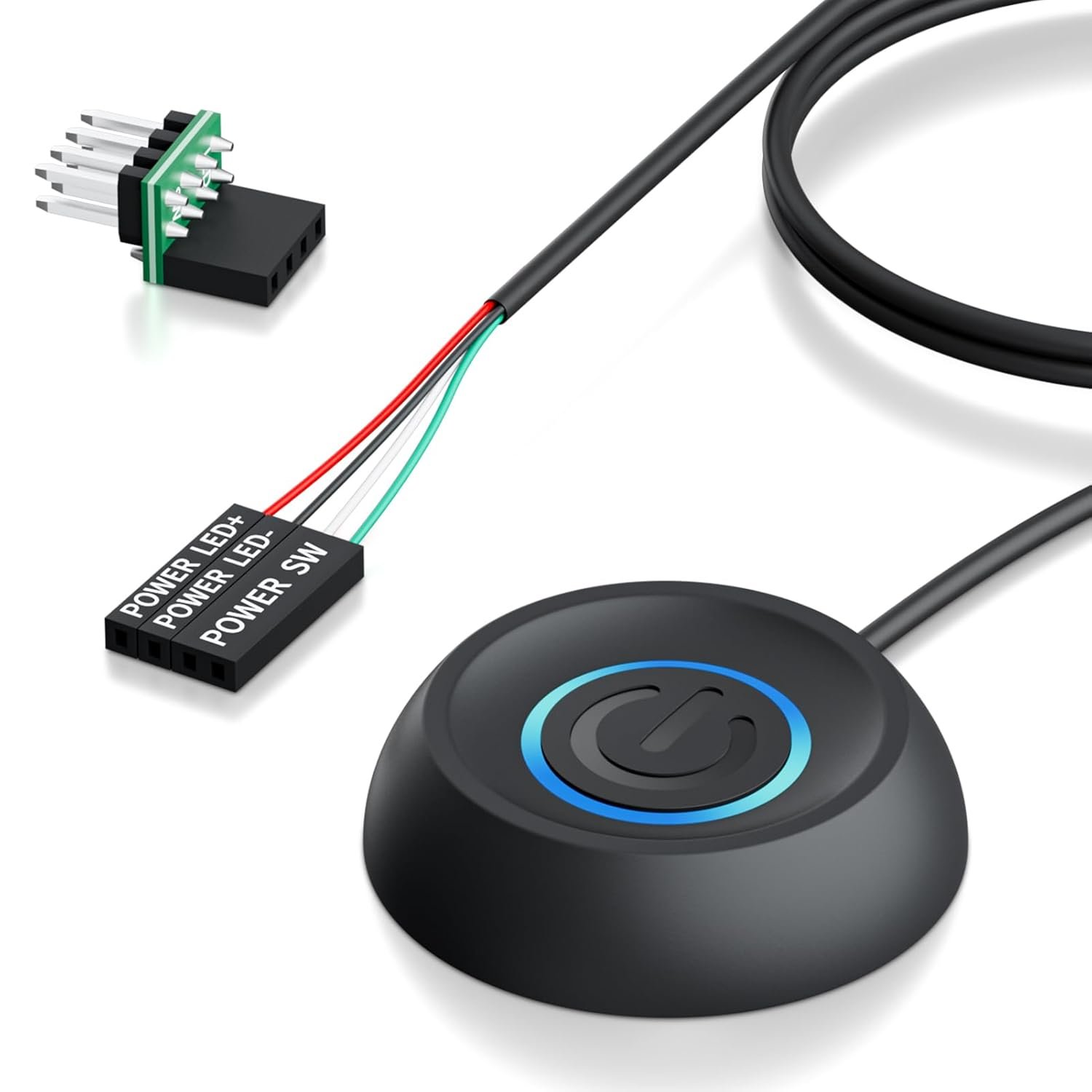
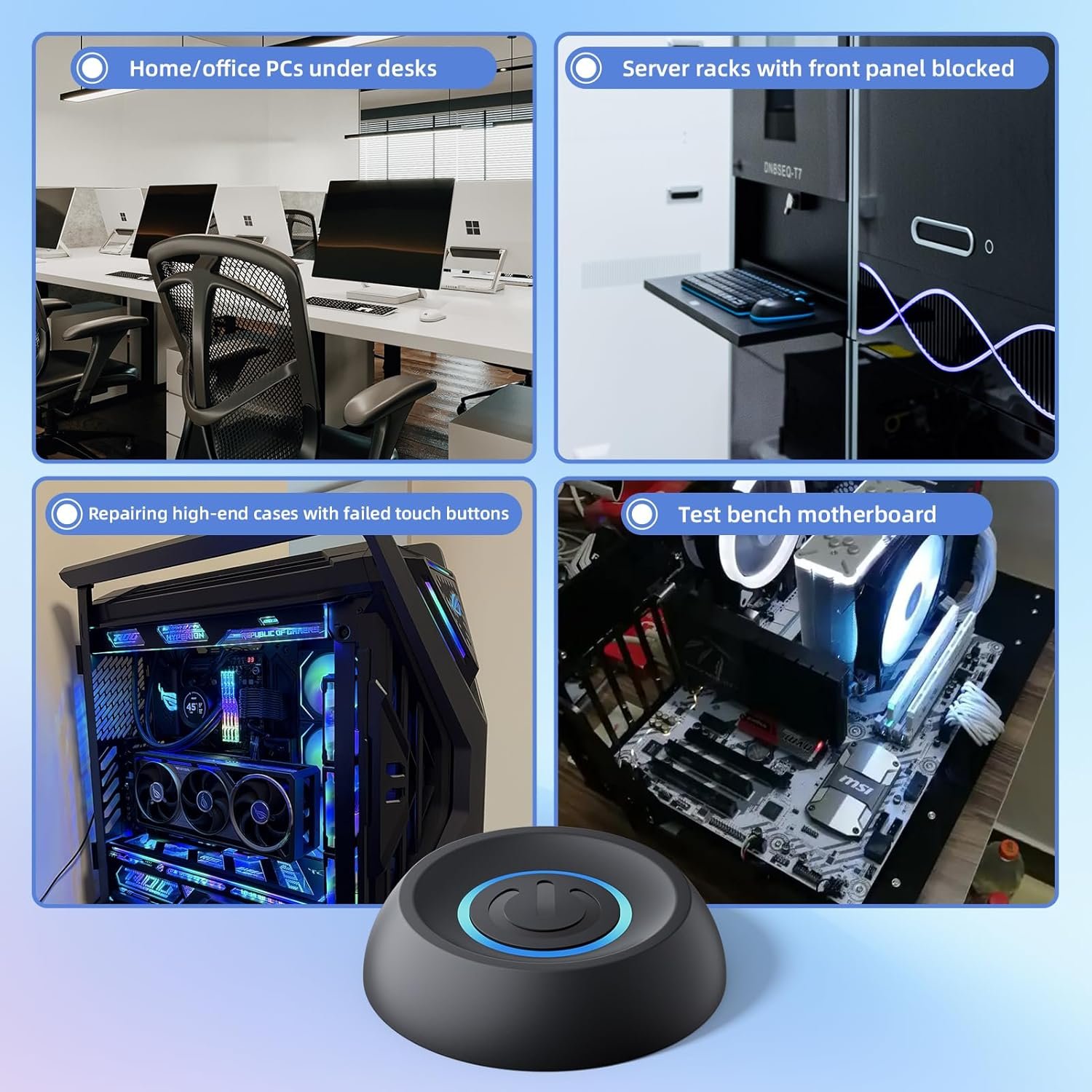
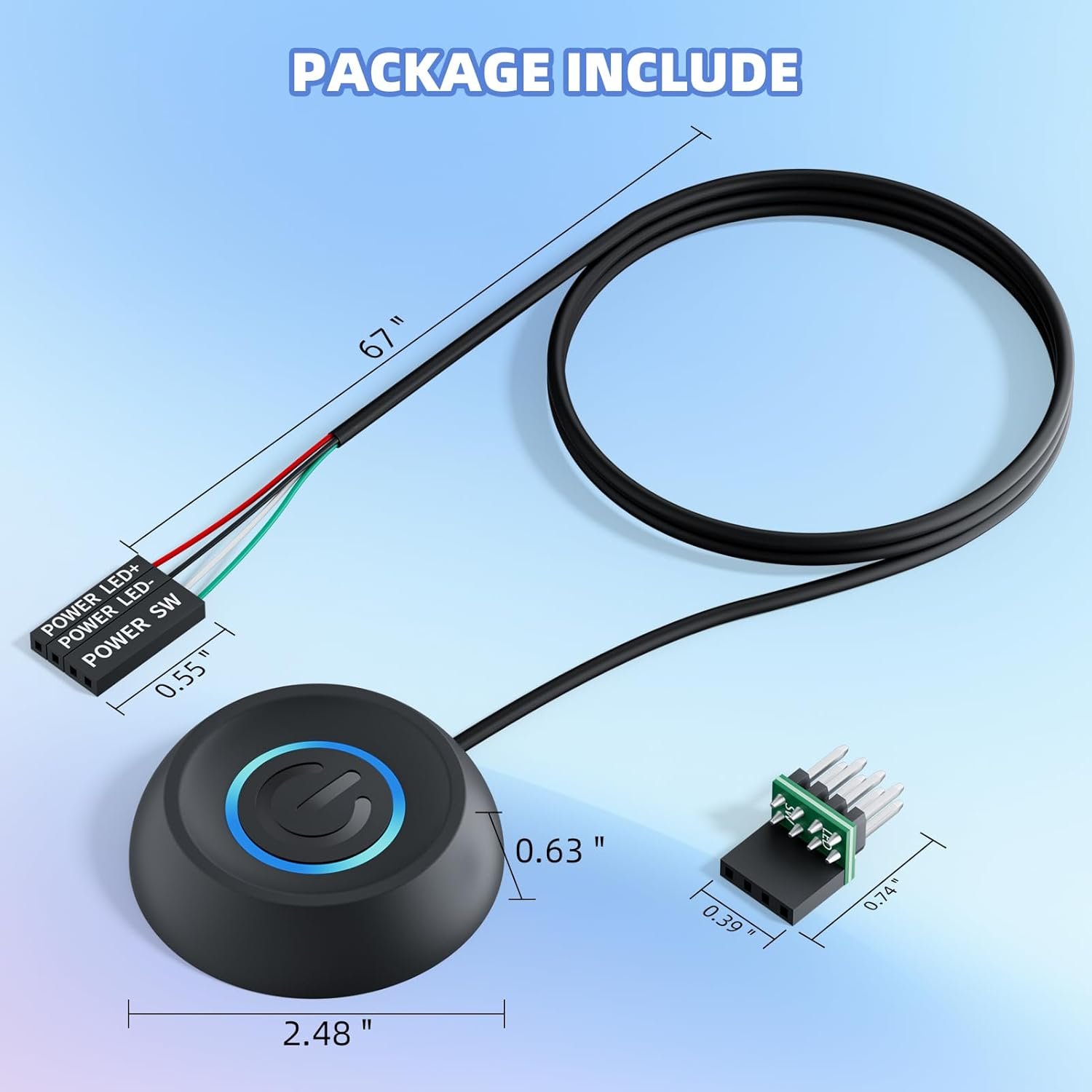
How It Works The splitter cable connects to motherboard’s JFP1/F_PANEL (9-pin block). Original chassis switch remains functional. Extended switch attaches to desk/access point via adhesive. Key Applications ◉ Home/office PCs under desks ◉ Server racks with front panel blocked ◉ Repairing high-end cases with failed touch buttons ◉ Test bench motherboard debugging Technical Specs Cable: 16AWG copper (3M/118″) Connector: 4-pin HDD+/POWER SW Housing: 0.8″x0.8″x1″ ABS case Compatibility: Standard 9-pin JFP1/F_PANEL Notes ✖ Laptops unsupported (no motherboard pins) ✔ Match polarity for LED: “+” to PLED+, “-” to PLED-
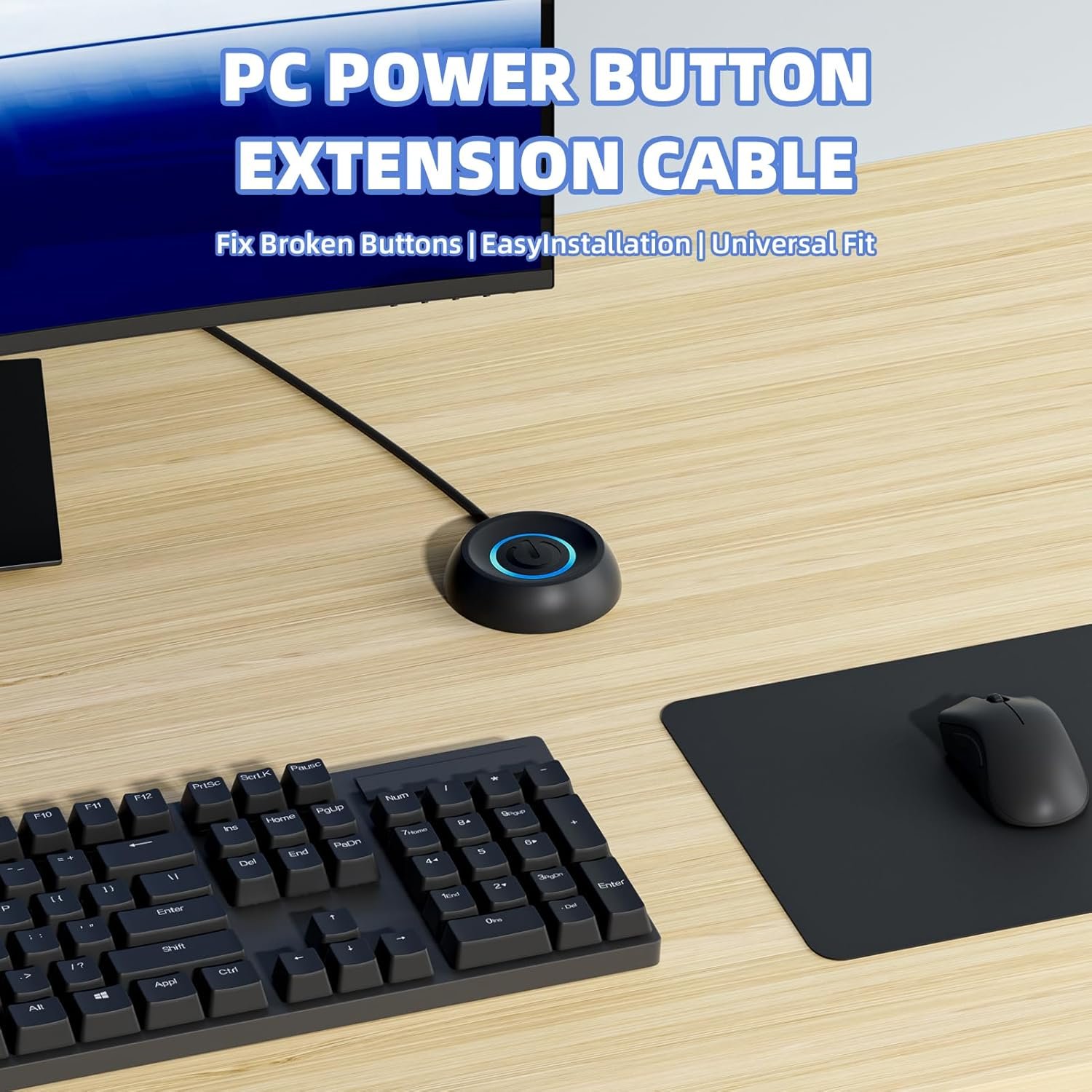
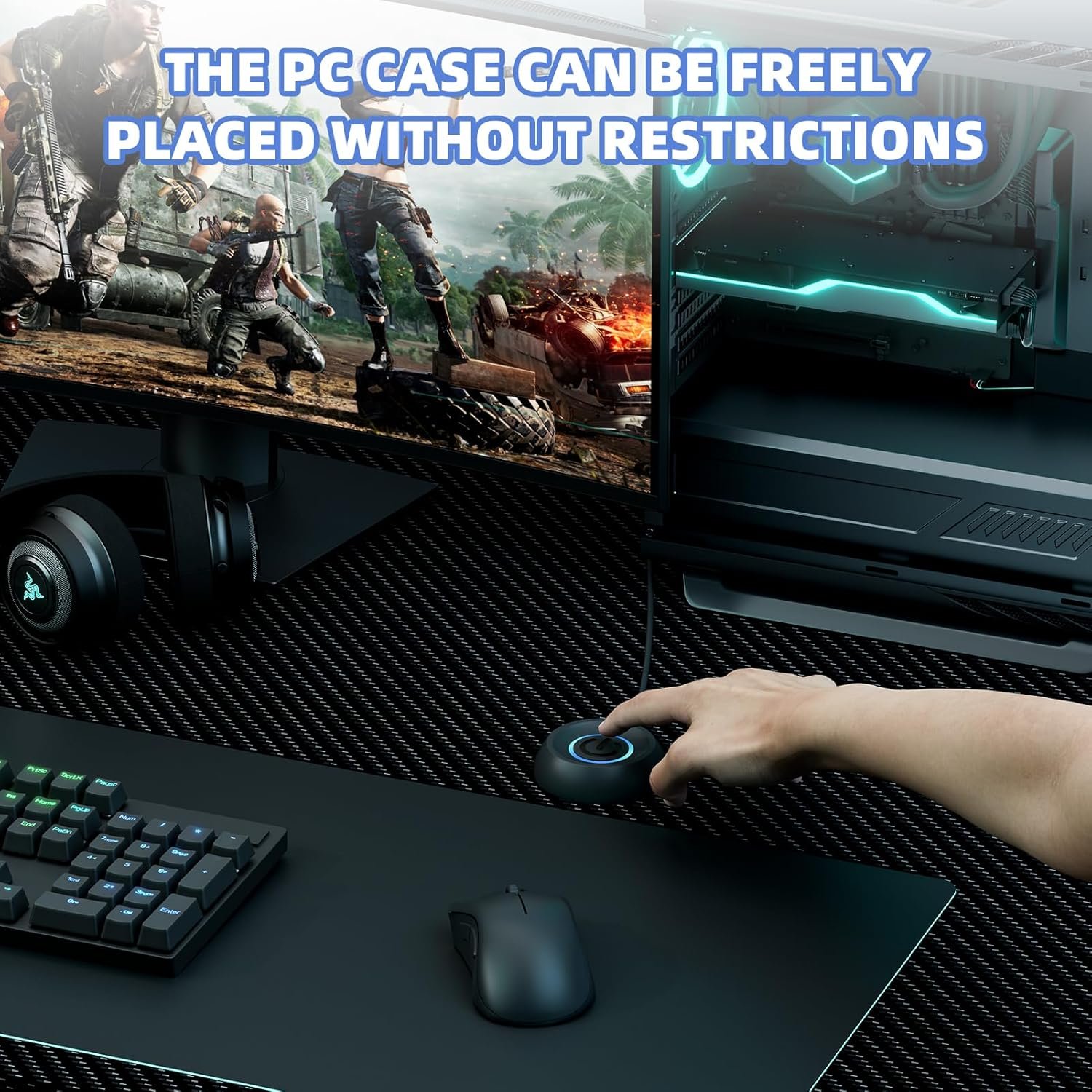
【External Desktop PC Power Switch】 If the case is placed in a hard-to-reach place, use this switch to lead to a place where it is convenient to operate. Control your PC tower from desk/rack/floor placement. Standard 4-pin connector (POWER SW+/LED+/-) compatible with 90% ATX motherboards. It is recommended for home users, computer rooms, bare board machines, water-cooled chassis DIY, etc. Not for laptops
【Dual Use: Repair & Convenience Upgrade】 For a damaged chassis panel button, this repair provides an ideal fix. The switch wiring can be easily installed through the front optical drive bay, rear fan vents, or expansion slots. Additionally, the included 118-inch extension cable ensures compatibility with most installation scenarios
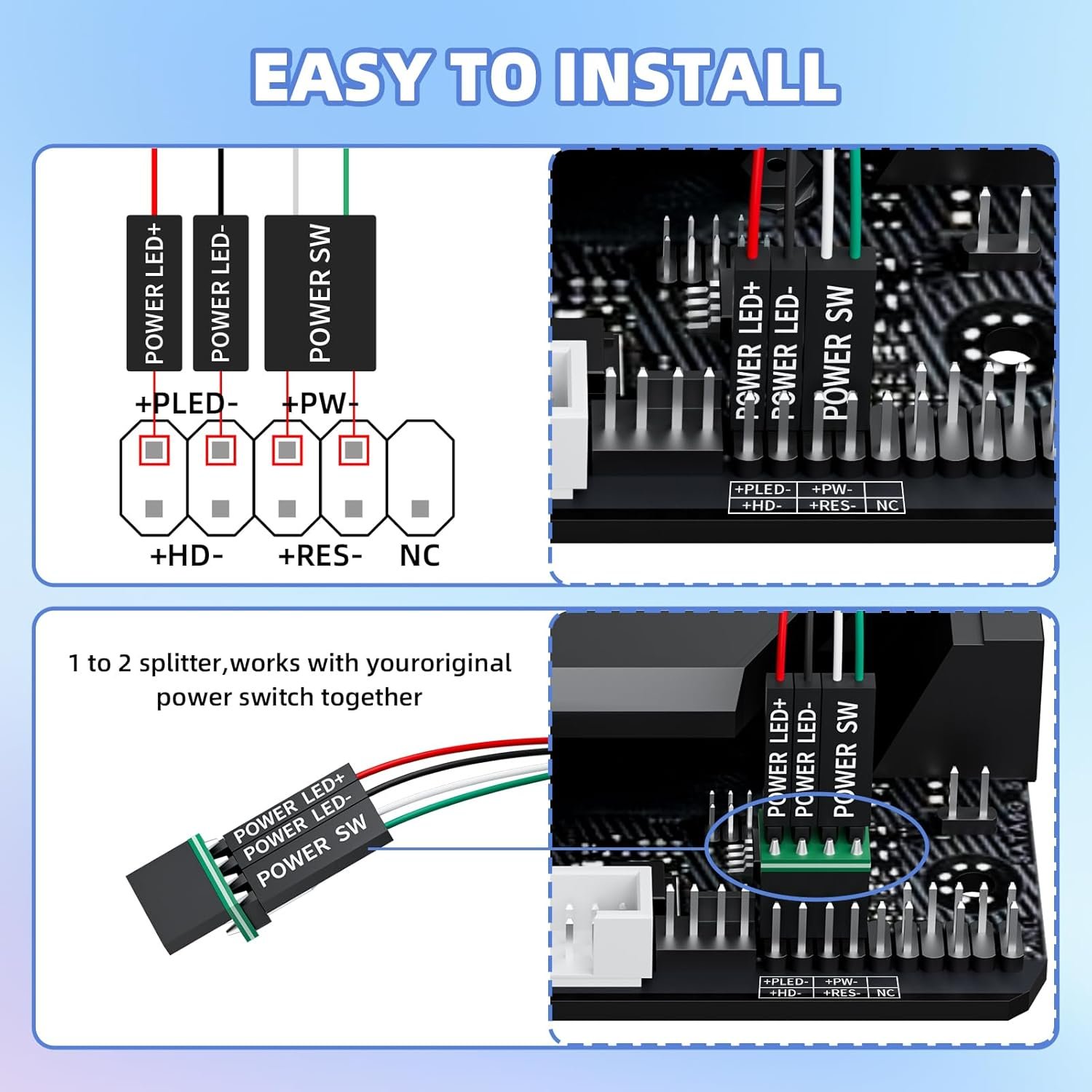
【Easy to install by Sticker】 Please check the installation instructions on product description. ① Locate JFP1/F_PANEL pins (bottom edge of motherboard) ② Match labels: POWER SW → SW_PW, LED+/- → PLED+/- ③ Secure switch with 3M adhesive stickers on desk/panel. No drilling
【Splitter for Dual Switch Function】 Connect original and extended switches simultaneously. The small 1 to 2 splitter board makes the power button works with your original power supply works together. Ideal for test benches/dual-system control
【Package included】 Includes: 1×Switch (118″ cable), 1×Splitter, 1x Adhesive stickers, Illustrated Guide. If you need any help with installation, feel free to reach out to us through your order. We’re happy to assist!
Original price was: $7.99.$6.79Current price is: $6.79.
How It Works The splitter cable connects to motherboard’s JFP1/F_PANEL (9-pin block). Original chassis switch remains functional. Extended switch attaches to desk/access point via adhesive. Key Applications ◉ Home/office PCs under desks ◉ Server racks with front panel blocked ◉ Repairing high-end cases with failed touch buttons ◉ Test bench motherboard debugging Technical Specs Cable: 16AWG copper (3M/118″) Connector: 4-pin HDD+/POWER SW Housing: 0.8″x0.8″x1″ ABS case Compatibility: Standard 9-pin JFP1/F_PANEL Notes ✖ Laptops unsupported (no motherboard pins) ✔ Match polarity for LED: “+” to PLED+, “-” to PLED-
【External Desktop PC Power Switch】 If the case is placed in a hard-to-reach place, use this switch to lead to a place where it is convenient to operate. Control your PC tower from desk/rack/floor placement. Standard 4-pin connector (POWER SW+/LED+/-) compatible with 90% ATX motherboards. It is recommended for home users, computer rooms, bare board machines, water-cooled chassis DIY, etc. Not for laptops
【Dual Use: Repair & Convenience Upgrade】 For a damaged chassis panel button, this repair provides an ideal fix. The switch wiring can be easily installed through the front optical drive bay, rear fan vents, or expansion slots. Additionally, the included 118-inch extension cable ensures compatibility with most installation scenarios
【Easy to install by Sticker】 Please check the installation instructions on product description. ① Locate JFP1/F_PANEL pins (bottom edge of motherboard) ② Match labels: POWER SW → SW_PW, LED+/- → PLED+/- ③ Secure switch with 3M adhesive stickers on desk/panel. No drilling
【Splitter for Dual Switch Function】 Connect original and extended switches simultaneously. The small 1 to 2 splitter board makes the power button works with your original power supply works together. Ideal for test benches/dual-system control
【Package included】 Includes: 1×Switch (118″ cable), 1×Splitter, 1x Adhesive stickers, Illustrated Guide. If you need any help with installation, feel free to reach out to us through your order. We’re happy to assist!
Specification: PC Power Button with 67″ Cable – Desktop Computer External ON/Off Switch LED Indicator, PC Power Supply Button SW Extension with Adhesive Mount, Splitter for Computer Motherboard (Black, 67″)
|
8 reviews for PC Power Button with 67″ Cable – Desktop Computer External ON/Off Switch LED Indicator, PC Power Supply Button SW Extension with Adhesive Mount, Splitter for Computer Motherboard (Black, 67″)
Add a review
Related Products



Original price was: $7.99.$6.79Current price is: $6.79.

Diann Shook –
Excellent
Best item I have ever bought for my pc. easy to install and lets you keep your PC out of the way
Lefty –
Great power button, long cable, perfect for what I needed.
Works great, even comes with the proper splitter to operate case buttons alongside the external button. Looks good on the desk with wall mounted PC.
D. Binns –
Best button!
1000 percent wonderful. My computer is working. I can turn it off and on by the button. The black color with the blue light is so nice. The case is durable. Easy to mount any were. Button works great! If I even need something again. I am going to this company. Fast service too. So happy today!
David Engel –
Great product.
Just when I needed, and it arrived on time.
son chin kim –
Relocate the power button
Very convenient since tower is on a shelf above the desk.
Wen Luo –
Perfect for Desktops with Hard-to-Reach Power Buttons
Works great! An excellent solution for desktops placed under a desk where the power button is hard to access.
Michelle T –
It feels nice and lights up with a soft glow
This was very easy to install and does exactly what I needed it to. I’m planning to buy more of the them.
Moklong –
Kills switch for kids computers
Makes access to the power switch to the kids computers easier when ur kids are destroying u in shooter games. Too bad i never get to use the switch tho. Haha